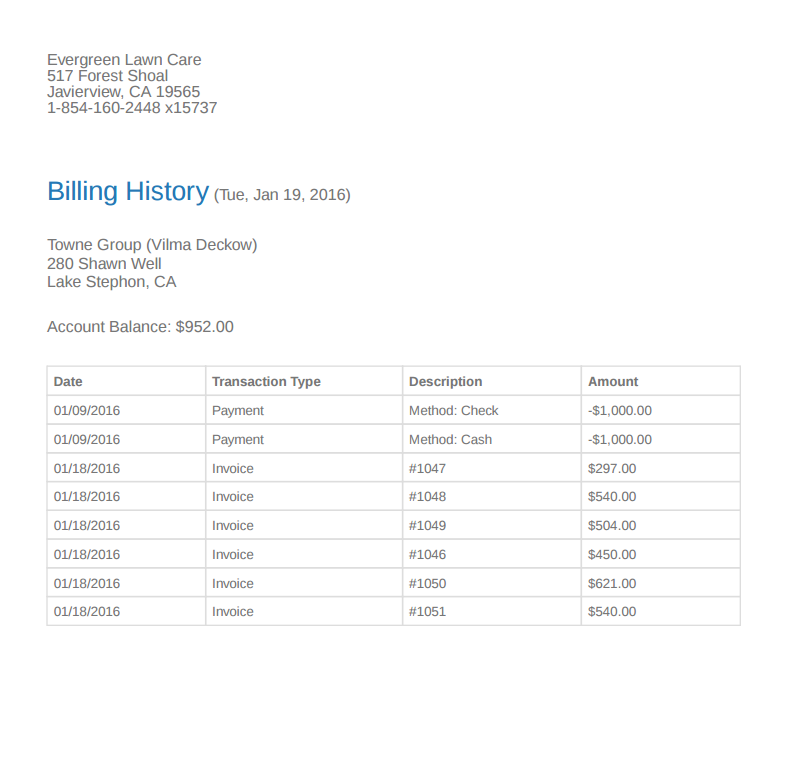
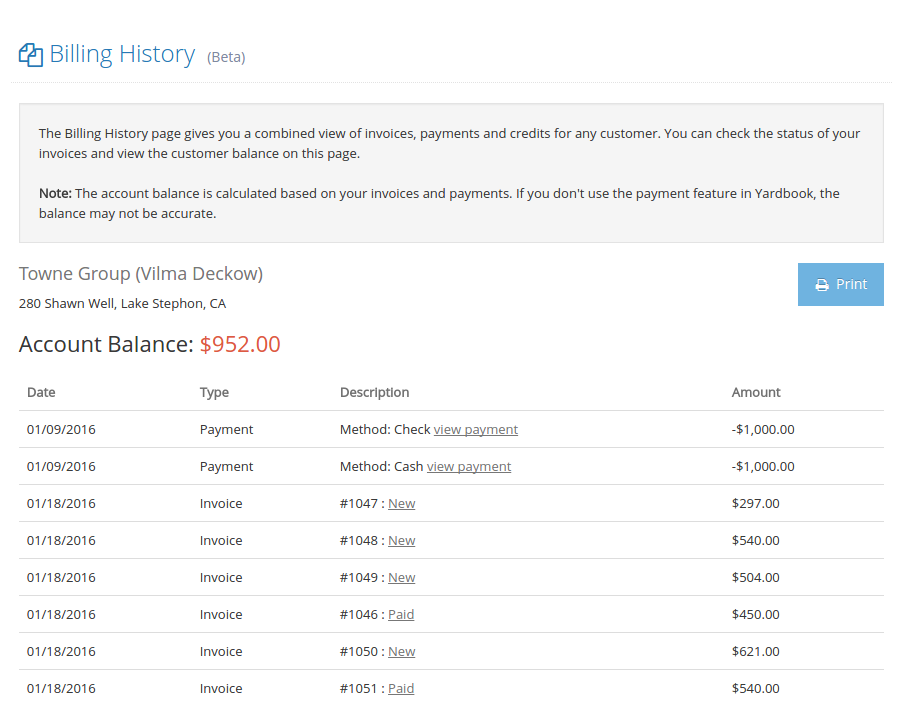
Similar to an account statement, the Billing History View gives you a combined view of invoices, payments and credits for any customer. You will be able to check the status of your invoices and view the customer account balance on this page. You can also save the billing history and send it to your customer.
Related FAQ: Auto set past due amounts
Access Billing History
There are 2 ways to access the Billing History view.
1 – From Customer’s Page
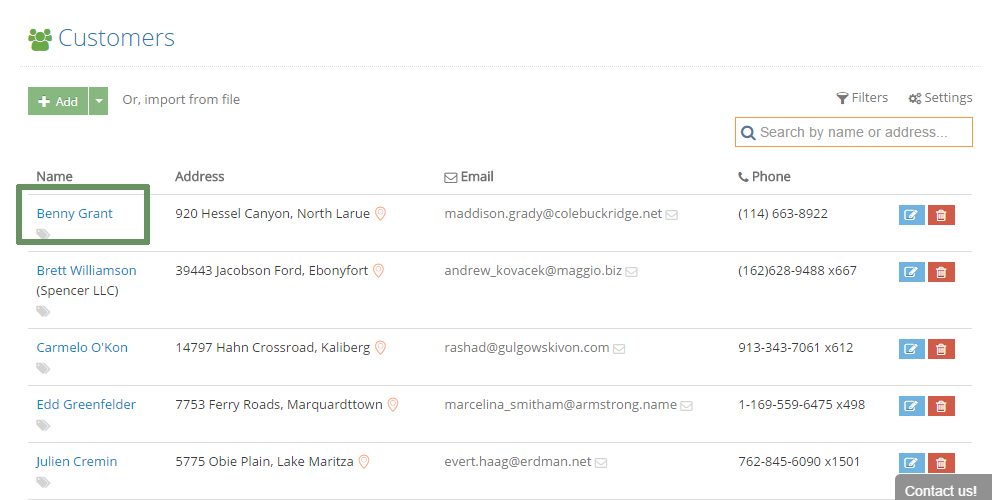
To view the Billing History page, first click on a customer name from Customer List View.
Then click on the Balance Amount field.
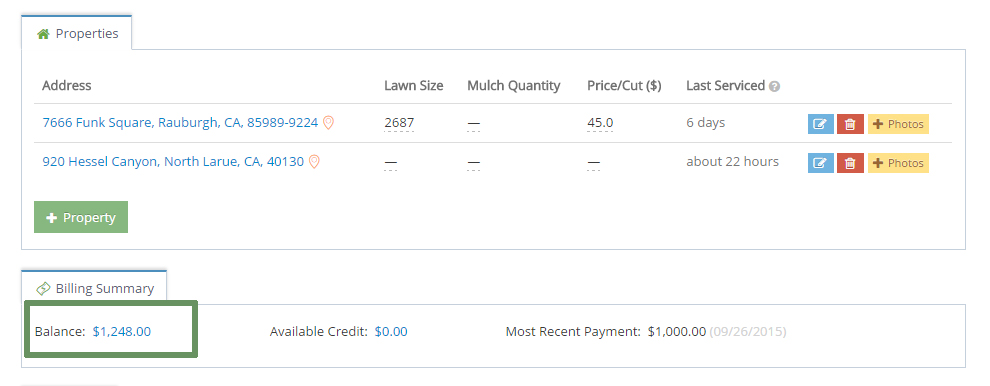
This will take you to the Billing History View.
2 – From Invoice Page
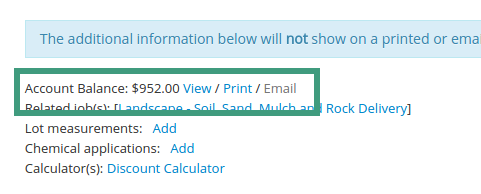
Open any invoice, and scroll to the bottom of the page.
Click on the “View” link to open the billing history.
Here is an example of a billing history page. You can use the “Print” button to generate a PDF file. The PDF file can be emailed as an attachment or printed on paper.
Sample PDF Version: